
Analyze, Validate, Prove
Complexity in
Clarity out
Bring configuration data into one clear picture of your security posture
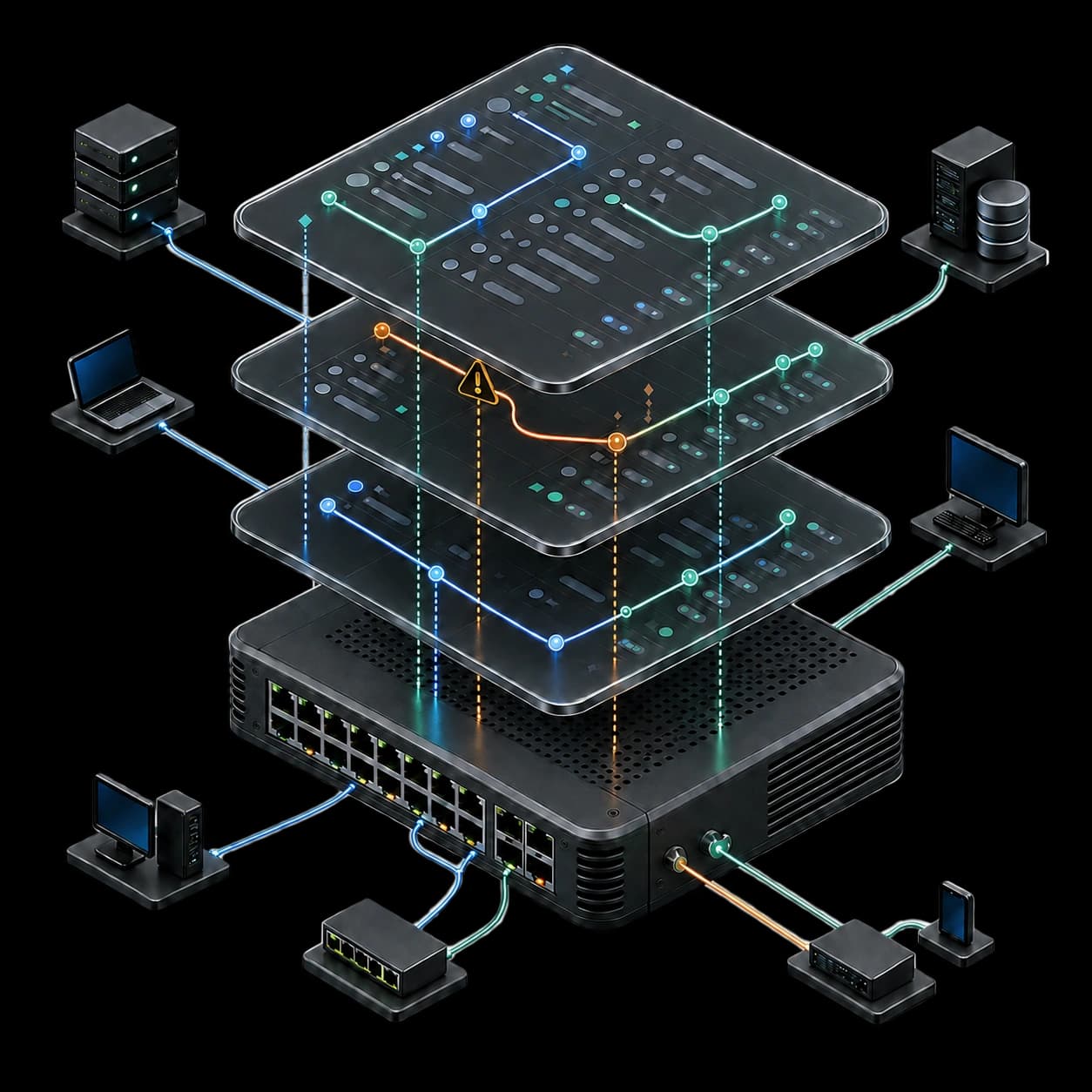


A configuration tells a story
Make every detail count
Every result carries its source
Every conclusion shows its limits
Ready for the client
How it works
Four steps between a configuration export and something you can hand over
- 01
Upload XML
Upload a supported firewall configuration export. The file is parsed with external entities and network access disabled.
- 02
Select scope
ConfigProof shows which modules it detected. You choose which ones receive full control analysis, and acknowledge the scope.
- 03
Review findings
Each finding shows its evidence, its affected entities and its limits. You confirm, override or exclude before anything is published.
- 04
Export report
Generate a client-ready PDF revision, a WBS handoff and a configured-topology diagram from the findings you kept.
Four modules, one workflow
Each one takes the output of the last, so nothing is retyped between analysis and delivery
XML Analysis
Parsing, normalization and a reference graph over the supported configuration, with vendor and version detected from content.
Findings and Evidence
Deterministic controls produce findings with a stable control ID, an evidence level, affected entities and an exact configuration path.
WBS Planner
A focused handoff: phases, tasks, low and high effort ranges, dependencies and acceptance criteria, exportable as PDF or CSV.
Diagram Canvas
A configured-topology starting point, editable on a canvas, with provenance on every node and edge.
Proof of output
One finding, one report spread and one diagram excerpt, so you can judge the deliverable before you sign up
Two report templates
Professional Assessment for a balanced executive and technical read, Technical Detailed for a denser engineering record. Automatic table of contents, configurable cover, immutable revisions.
Open the sample reportAnatomy of one finding
Not a paragraph of advice. A control ID, an exact configuration path, the entities it affects, the evidence level behind it and what it does not prove.
Allow rule matches any source and any destination
- Configuration path
- /config/devices/entry/vsys/entry/rulebase/security/rules/entry[@name='temp-allow-all']
- Affected entities
- 1 security rule, 2 zones
- Not proven from this export
- Whether the rule carries live traffic. Hit counts and session state are not present in a configuration export.
Who this is for
Three ways the same workflow gets used
Security engineers
Review your own estate, defend a change inside a maintenance window and keep a record of what was checked.
See the scenarioIndependent consultants
Turn one configuration export into a branded assessment, a remediation plan and a diagram your client can act on.
See the scenarioManaged service providers
Shared client workspaces, roles, organization branding and an audit history across the team.
See the scenarioStart with one assessment
A single device analysis from $79, or a monthly plan from $49. The free analysis costs nothing, takes a card that is never charged, and its exports need a plan
Single Assessment
A one-time analysis of a single device
$79one time
See all six plansEngineer
For an individual security engineer
$49per month
See all six plansConsultant
For consultants and independent professionals
$149per month
See all six plans